Get Your Lab Reports Anytime, Anywhere
- Home
- Reports
Your Reports, Your Way
Download Online, Call/Message Us on WhatsApp, or Just Open Our Mobile App
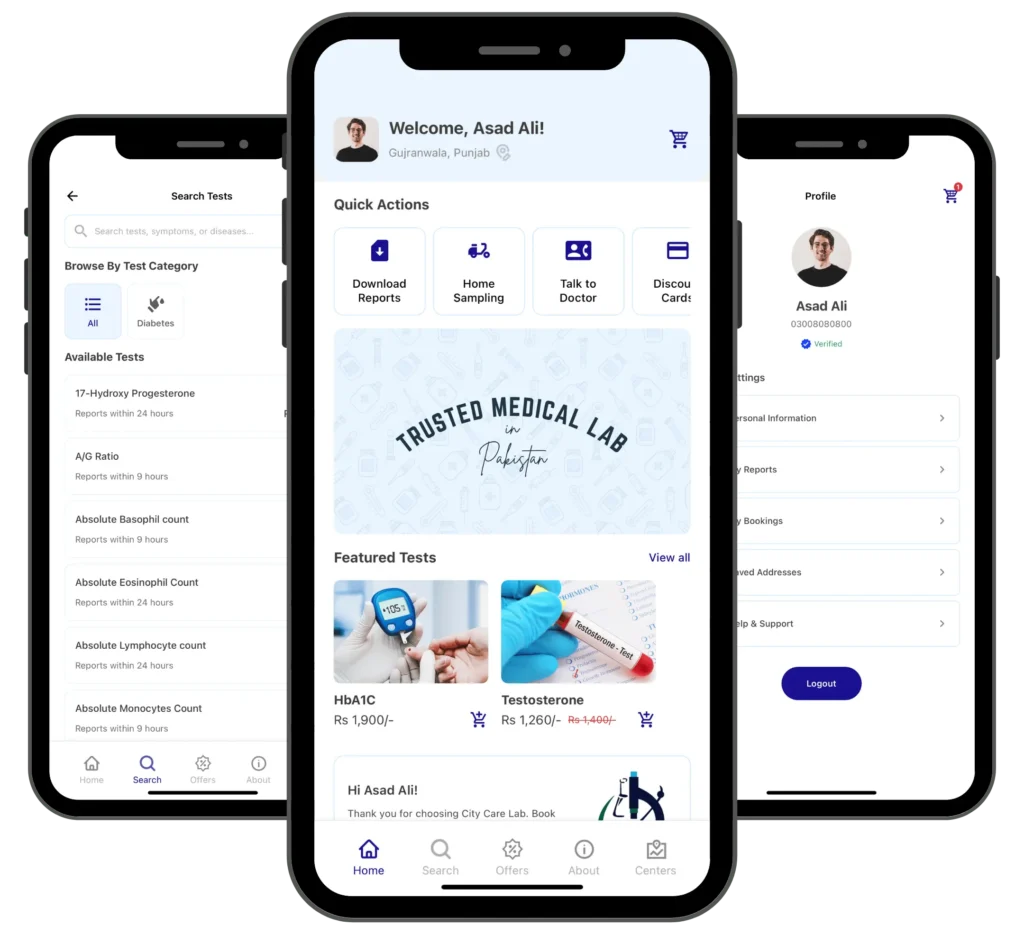
Once your sample is processed, you shouldn’t have to wait around or call the lab to know what it says. Log into this page with the Patient ID and password from your billing slip, message us on WhatsApp, or check the City Care Lab app instead, whichever is easiest right now. And if a number on the report doesn’t make sense, our app also connects you with a professional for a free teleconsultation, so you’re not left guessing what a raised ALT level means on a Sunday night.


Download City Care Lab Reports
Enter your Patient ID and password below to view or download your report. Both are printed on your billing slip and sent to you by SMS right after your sample is collected. Can’t find them? Call or WhatsApp us at 0316-7208633 and we’ll sort you out.
Frequently Asked Questions
What do I need to download my report online?
Your Patient ID and password, both printed on your billing slip and sent to you by SMS after your sample is collected.
I lost my billing slip. How do I get my report?
Call or WhatsApp 0316-7208633 and we’ll help you retrieve it using your registered phone number.
How quickly are reports uploaded after my sample is collected?
Routine tests are usually ready the same day, and you can also check status through the City Care Lab app or WhatsApp.
A value on my report is flagged. What now?
Request a free teleconsultation through the app, and a professional will walk you through what it means.
Can I access old reports too, not just my most recent one?
Yes, your testing history stays on file. Log in with your Patient ID or check the app for past reports.